dots represents a fundamental shift: AI that does not wait for you to ask, but continuously monitors your work, anticipates needs and acts autonomously. What it does, how it works and the implications.
Every AI tool so far has one thing in common: you have to ask. You open ChatGPT, type a prompt, wait for a response. OpenAI’s dots changes this paradigm entirely - it is an always-on AI agent that continuously watches your screen, understands your work context and proactively helps without being asked.
How it works
dots runs in the background on your computer, monitoring:
- Your screen content - what you are reading, writing or building
- Your application context - which app you are in, what task you are performing
- Your patterns over time - learning when you typically need help with what
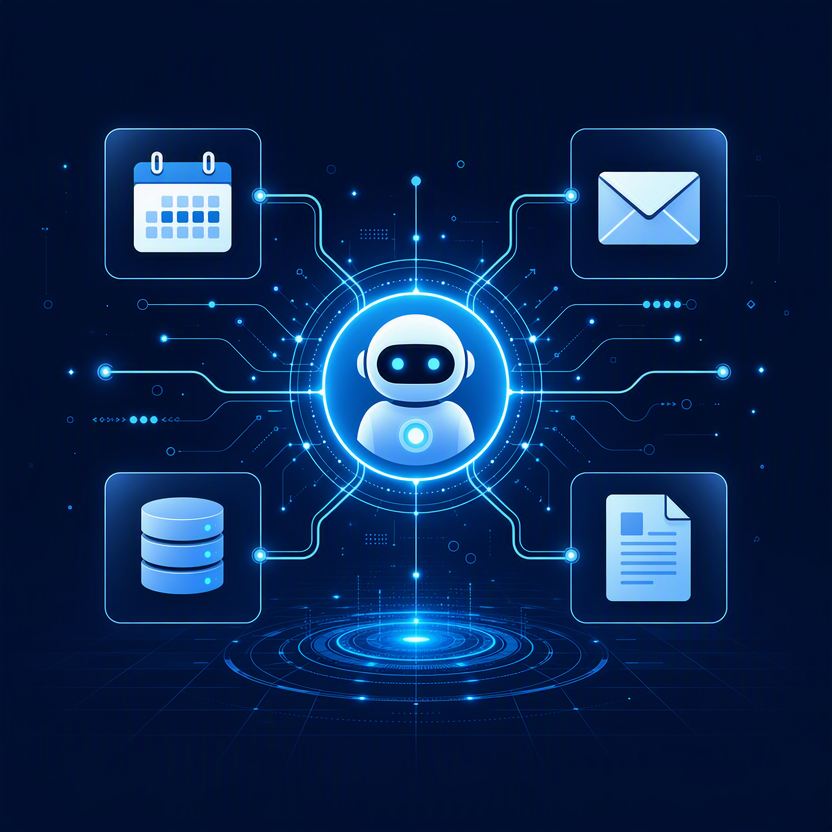
Based on this, dots can proactively suggest code fixes while you type, draft email replies before you open your inbox, flag errors in a spreadsheet before you notice them, or summarize a document you just opened.
What it can actually do
- Draft assistance - writing documents, emails and reports in your voice based on context it has observed
- Code review - watching your IDE and suggesting improvements or catching bugs in real time
- Research - proactively finding relevant information based on what you are working on
- Scheduling and task management - understanding your commitments from email and calendar context
- System monitoring - flagging anomalies in data or logs you are viewing
The privacy question
An always-on AI watching your screen raises obvious concerns. OpenAI’s approach: processing happens locally where possible, with explicit user control over what dots can see and when. Enterprise versions add data governance, audit logs and PDPA compliance tools.
However, the fundamental question remains: are you comfortable with AI having continuous visibility into everything you do on your computer? For personal use, this is a personal choice. For enterprise deployment, it requires careful policy design.
Implications for organizations
- Productivity potential is enormous - the friction of "asking" AI disappears; help arrives before you know you need it
- Governance becomes critical - who approves what dots can access? What happens to observed data?
- Training changes - instead of learning to prompt, employees learn to manage and direct an always-present assistant
- Security architecture matters - always-on agents create a new attack surface that traditional security models do not cover
The bigger picture
dots represents the next evolution: from tools we use, to assistants we consult, to ambient intelligence that surrounds us. This is not science fiction - it is shipping now. Organizations that start thinking about governance, policies and integration today will be better positioned than those who wait.
Devsign’s AI training programs help teams prepare for the always-on AI era, from usage policies to practical adoption.